
Features
Notes you can use anywhere, and a knowledge base that keeps your conversations with AI too.
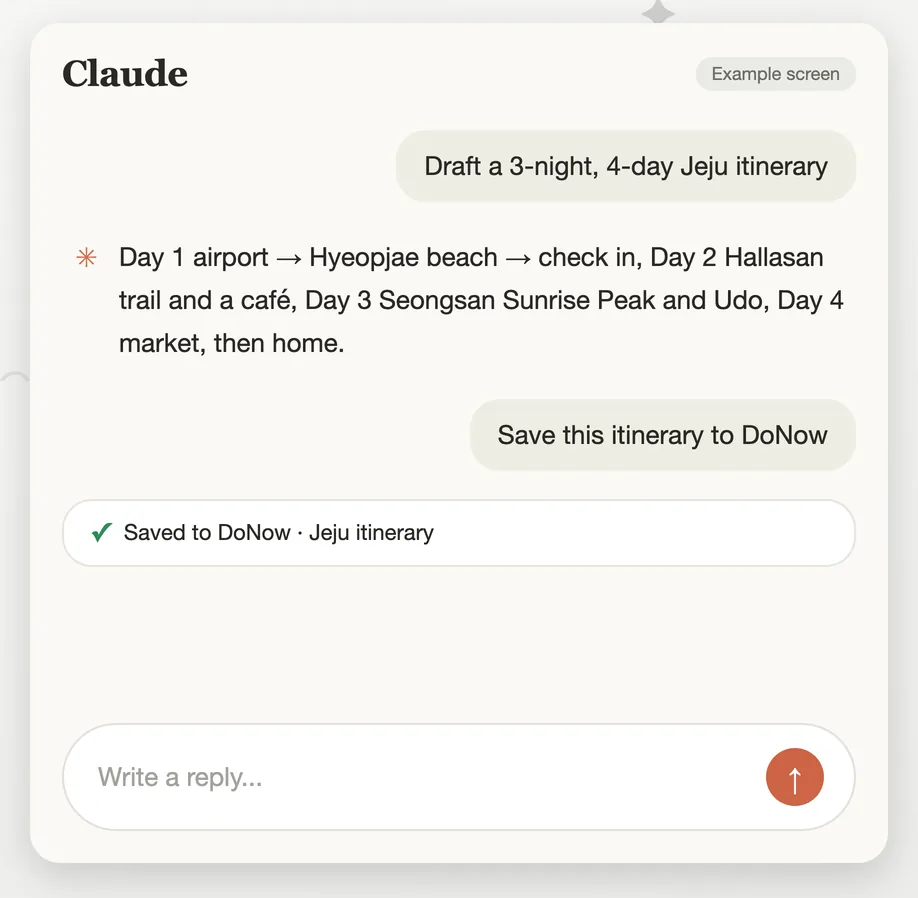
Save AI conversations as they are
In Claude, ChatGPT, Grok, the terminal (Claude Code, Codex, Gemini CLI), Claude Desktop or Cursor, just say "save this to DoNow" and the conversation becomes a note. Only what is worth reading again is summarized and saved.
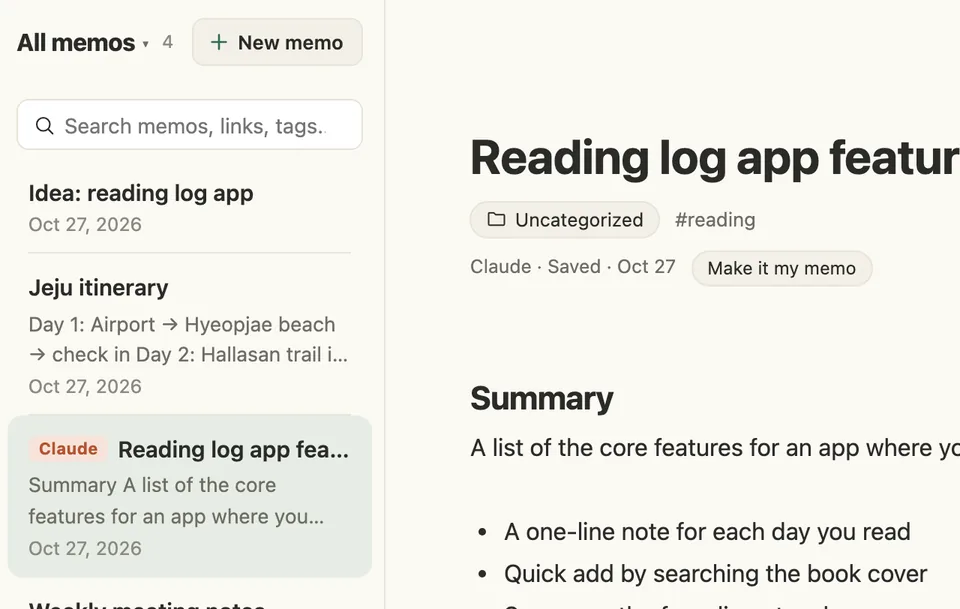
Review it in the AI inbox
Notes written by an AI arrive in the AI inbox first. A label shows which AI wrote each one, and only the notes you review and confirm become your notes.
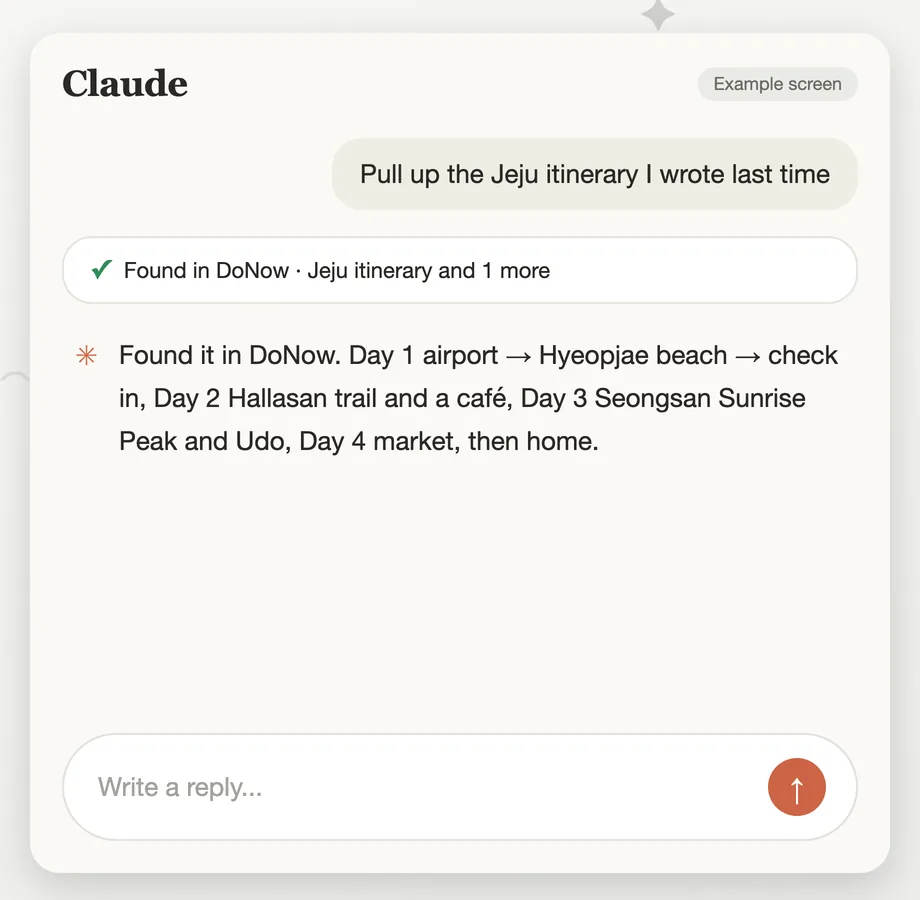
Find old notes from a chat
Say "find what I wrote up last week" and the AI looks it up in DoNow and answers. You decide how much each connection can see, and you can disconnect any time.
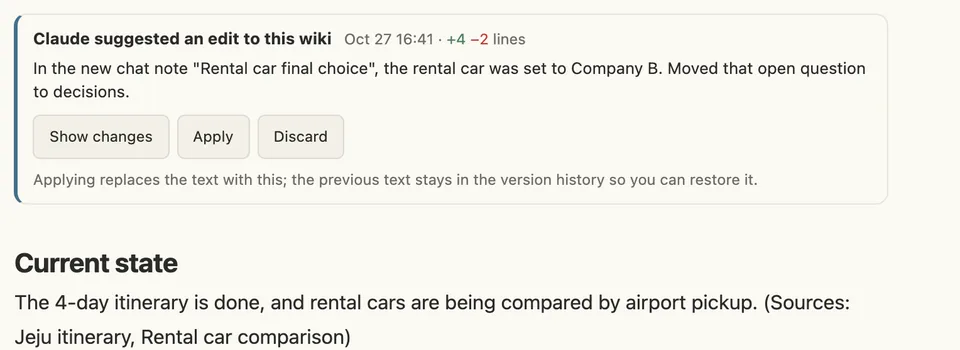
Build up wikis
The AI builds topic-by-topic wikis from your accumulated notes, and when the source notes change it checks them and tells you with a suggested edit. You review the changed lines and apply them; until then the text stays as it was.
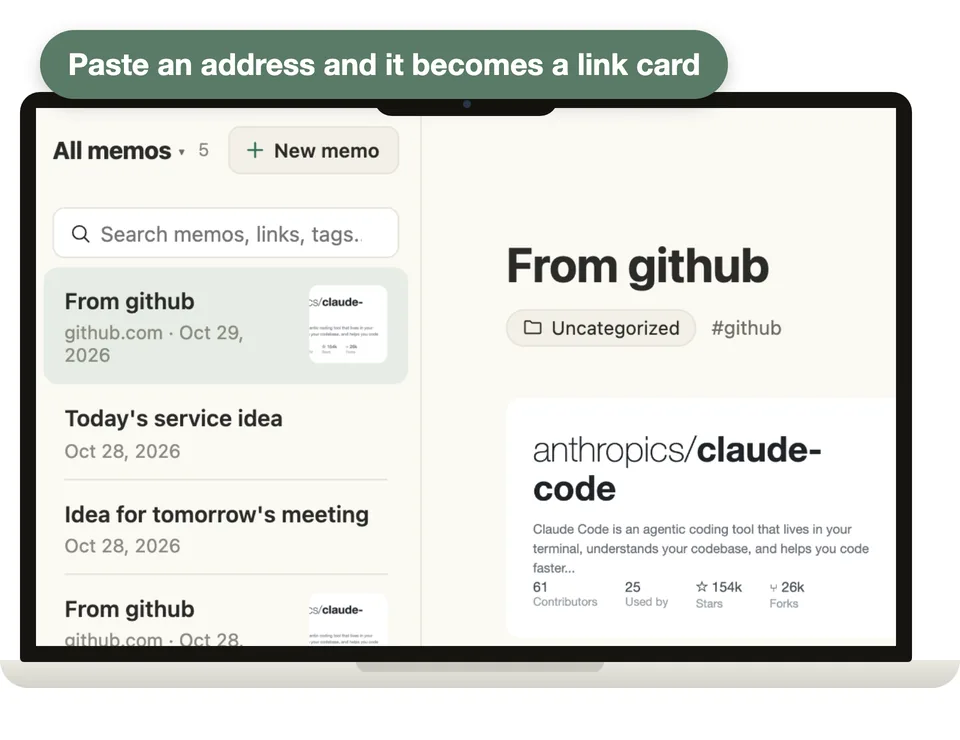
Save a link in one line
Paste just an address and you get a link note filled in with the title, cover image, source and the article text (for YouTube, the start of the video description). A link you already saved takes you to its existing note.
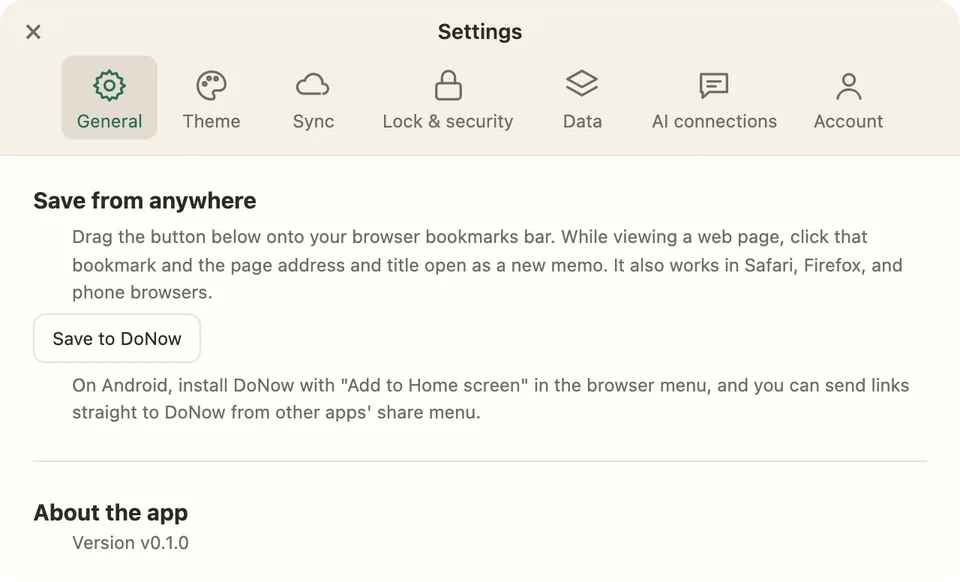
Save quickly from anywhere
Share into DoNow from other apps (the installed web app), use the bookmarklet in any browser, and attach photos and files. You can start using it without signing up.
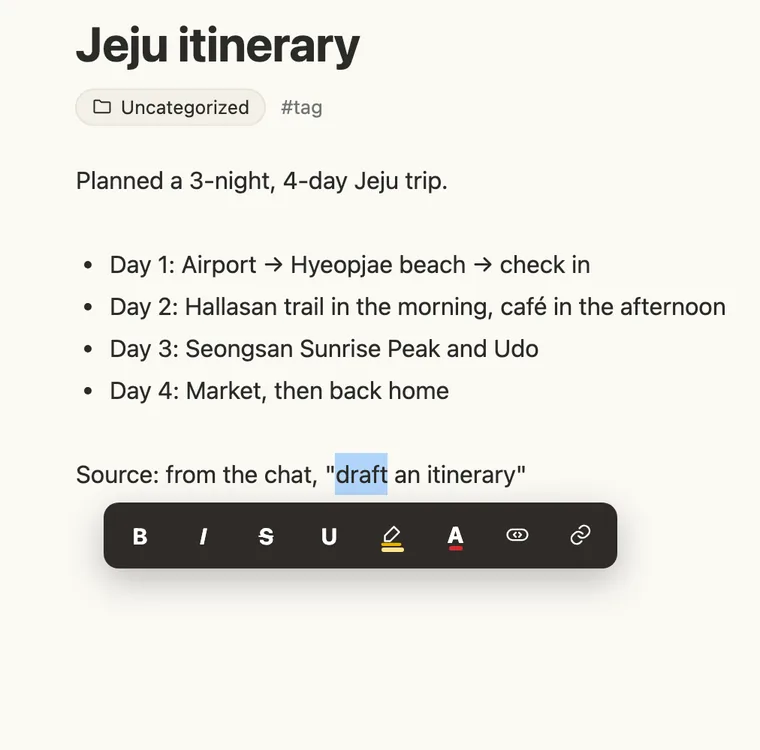
Edit what you see
Bold, headings, lists, checklists, tables and code show up right where you write. Call up the formatting you need with the + button at the left of a line or a / command, and select text to use highlight and text color.
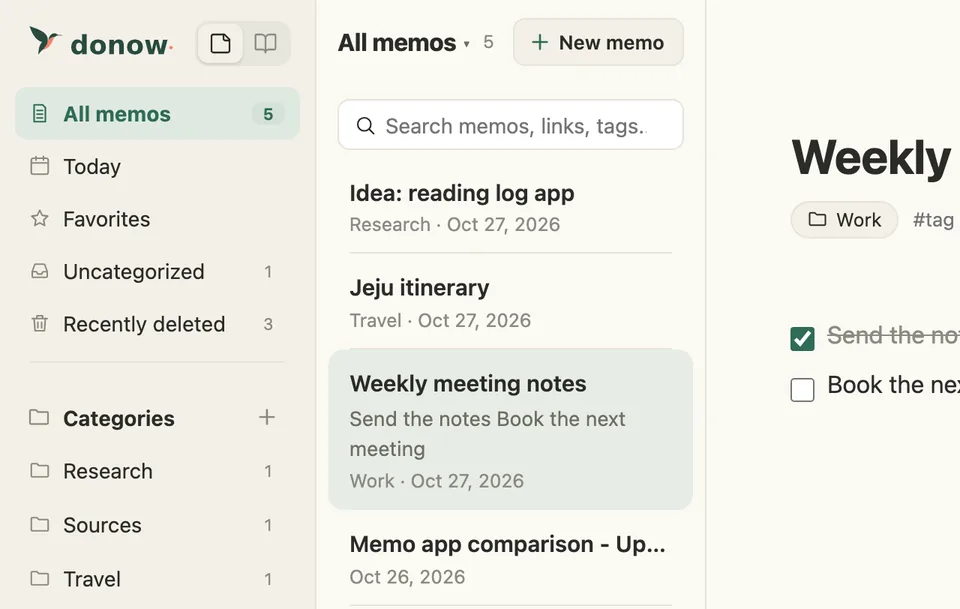
Organize and link together
Sort with categories and tags, and pin or favorite the notes that matter. Link documents to each other with [[note title]]. Links can be browsed grouped by source.
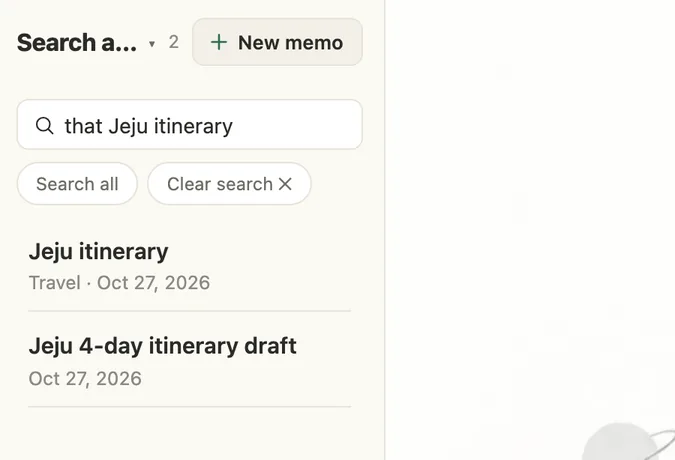
Search the way you talk
Search the way you remember it, like "the electronic whiteboard I saw at work last month". It still finds notes when the wording or spacing differs, and looks across titles, text, tags and categories together.
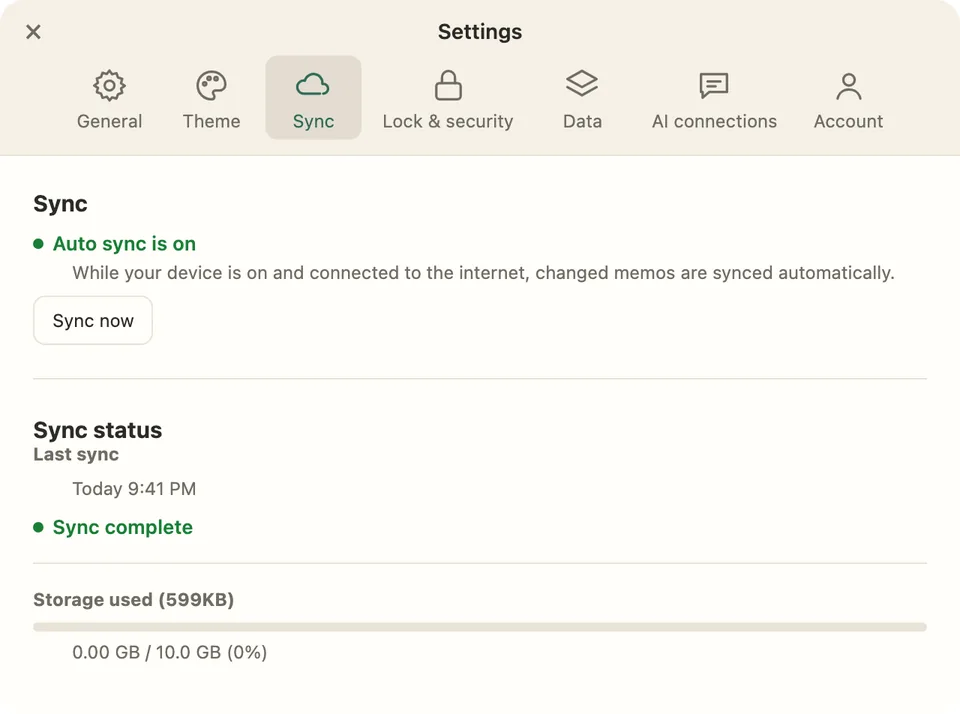
Encrypted sync through your own Google Drive
Your notes are encrypted on your device and kept in your own Google Drive, and DoNow’s server cannot see the contents. If you edit the same note on two devices, a conflict copy is kept so nothing is lost, and if everything is deleted at once, sync stops and asks you first.
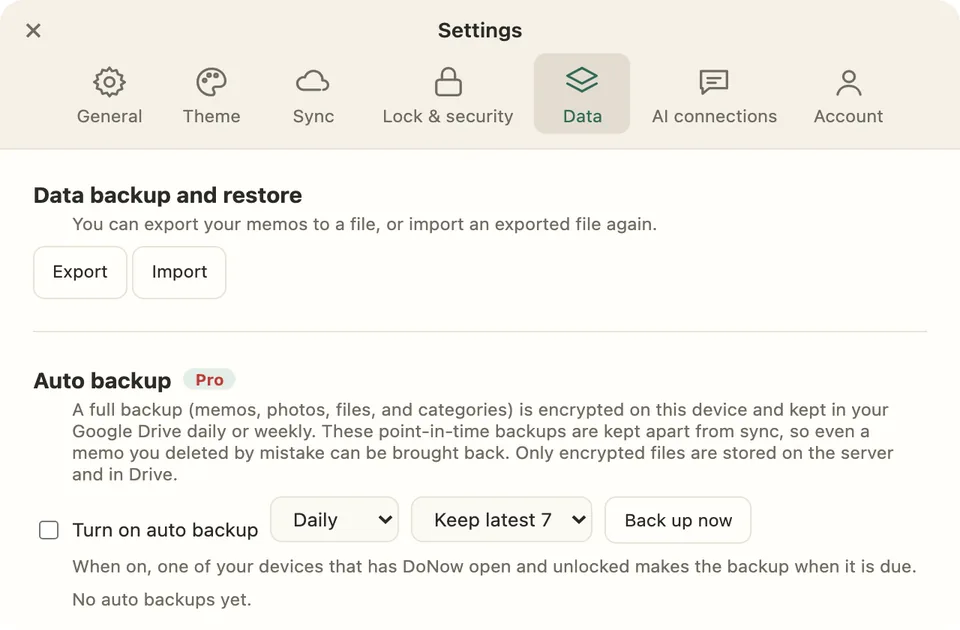
Your data is yours
You get previous versions to go back to before an edit, a recently deleted list to restore from, export, backup and import that include images, and automatic backup (Pro).
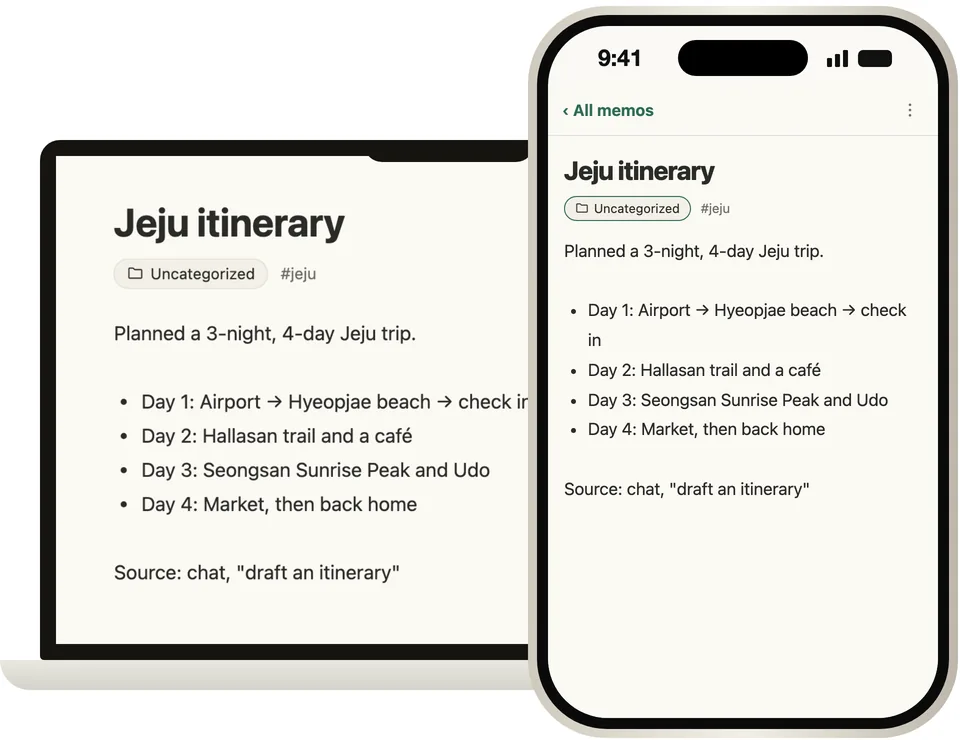
Web, Windows, macOS
Use it right in the browser, or keep going with the same notes in the Windows and macOS apps (beta). Android, iPhone and iPad are coming.